
How to setup a WhatsApp channel (Embedded signup)
This guide explains how to integrate UniChat with n8n using webhooks and HTTP requests, so you can automate conversations and connect with AI models or other services.
This guide explains how to integrate Unified Chat (Unichat) with n8n using webhooks and HTTP requests, so you can automate conversations and connect with AI models or other services.
https://app.unichat.com.bd/api/v1/accounts/{{ $json.body.account.id }}/conversations/{{ $json.body.conversation.id }}/messagesNone
Content-Type: application/json
Accept: application/json
api_access_token: {your access token}
{
  "content": "Hi, I'm from n8n"
}
By default, when a bot replies, the conversation status is set to pending:
To hand over a conversation to a human agent, update the status using the API:
curl --request POST \
  --url "https://app.unichat.com.bd/api/v1/accounts/{{$json.body.account.id}}/conversations/{{$json.body.conversation.id}}/toggle_status" \
  --header "Content-Type: application/json" \
  --header "api_access_token: <api-key>" \
  --data '{
    "status": "open"
  }'
This guide explains how to integrate UniChat with n8n using webhooks and HTTP requests, so you can automate conversations and connect with AI models or other services.
This guide explains how to integrate UniChat with n8n using webhooks and HTTP requests, so you can automate conversations and connect with AI models or other services.
This guide explains how to integrate UniChat with n8n using webhooks and HTTP requests, so you can automate conversations and connect with AI models or other services.
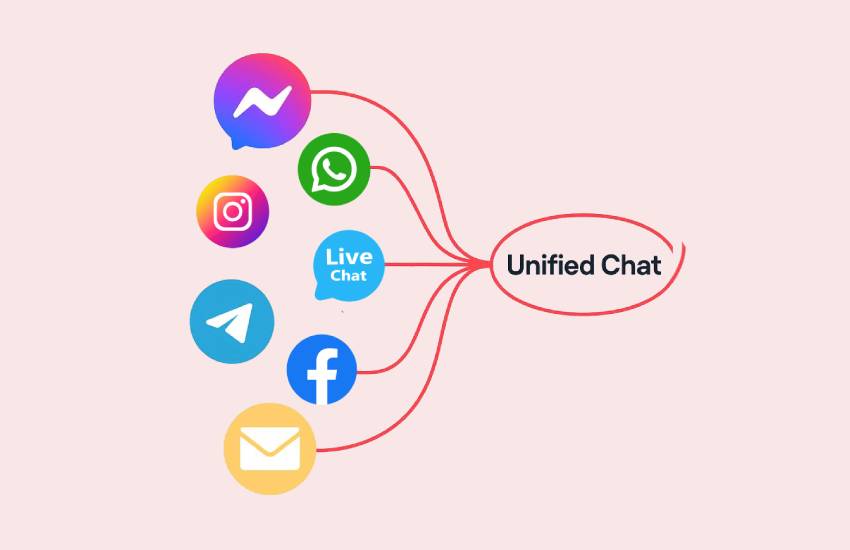
This guide explains how to integrate UniChat with n8n using webhooks and HTTP requests, so you can automate conversations and connect with AI models or other services.
This guide explains how to integrate UniChat with n8n using webhooks and HTTP requests, so you can automate conversations and connect with AI models or other services.

This guide explains how to integrate UniChat with n8n using webhooks and HTTP requests, so you can automate conversations and connect with AI models or other services.
This guide explains how to integrate UniChat with n8n using webhooks and HTTP requests, so you can automate conversations and connect with AI models or other services.
Join growing businesses using Unified Chat to manage support across all channels—from one smart platform.